What Is The Difference Between Scan Tool And OBD?
Disclaimer: This post may contain affiliate links. As an Amazon Associate, we earn from qualifying purchases.
Wondering how a scan tool differs from OBD? They work together, but they’re not the same thing. OBD (On-Board Diagnostics) is the built-in system that watches over your car’s components and flags problems. A scan tool is the device you plug in to read those problems and turn them into codes you can actually understand.
This post breaks down how scan tools and OBD differ, what each one does, and why both matter whether you fix cars for a living or just want to handle your own. Let’s get into it.
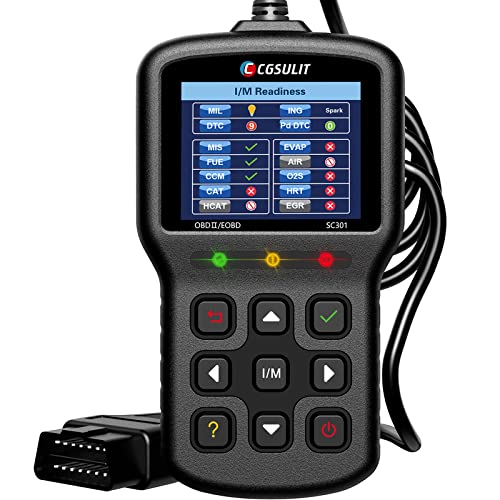
Definition of Scan Tool and OBD
Scan Tool
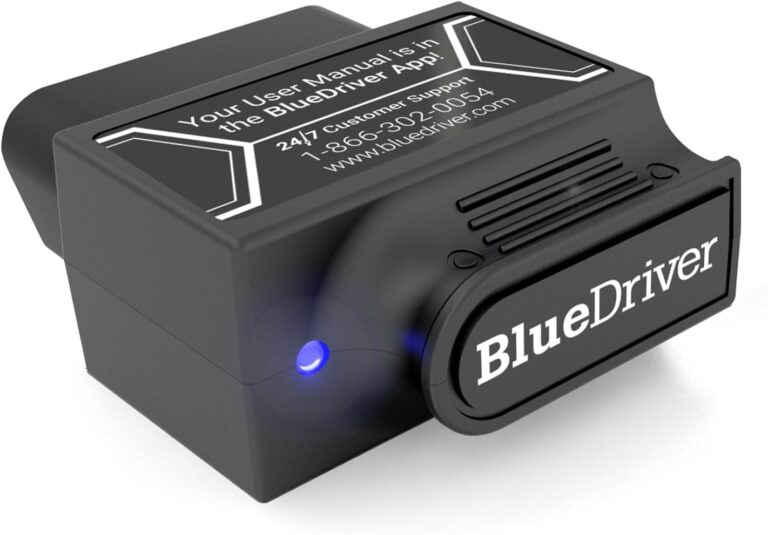
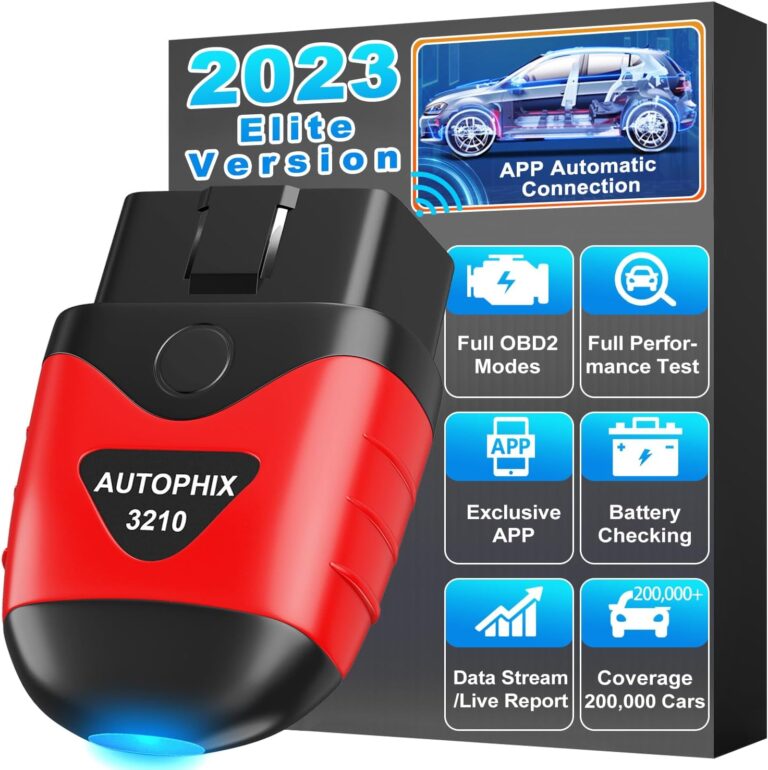
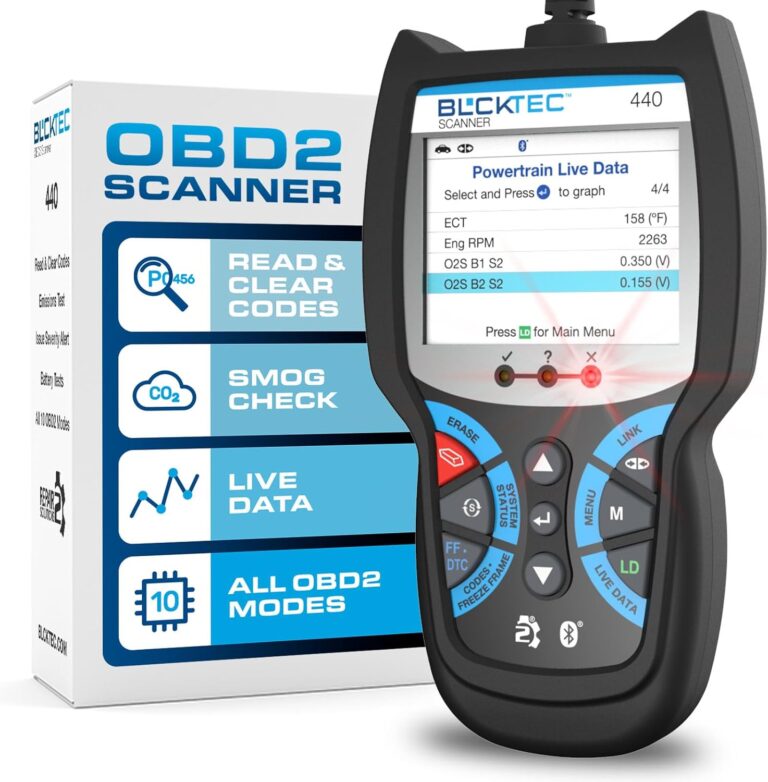
A scan tool, sometimes called a diagnostic scanner, pulls information from your car’s onboard computer. It’s a handheld device that plugs into the OBD port and shows you live data, fault codes, and the details you need to track down a problem.
OBD
OBD stands for Onboard Diagnostics. It’s the built-in computer system that keeps tabs on your car’s components and systems while you drive. It records information about performance, emissions, and other key readings, and it’s required by law in plenty of countries. Every modern vehicle has it.
Purpose
Scan Tool
A scan tool exists to diagnose and troubleshoot problems. Plug it into the OBD port and you can read trouble codes (DTCs), watch sensor data in real time, and run tests to figure out what’s wrong and fix it.
OBD
OBD is there to keep your vehicle within emissions limits and to catch faults as they happen. It watches systems like the engine, transmission, and emissions controls, then flags any trouble with a diagnostic code. Catching issues early means you can repair them before they turn into something bigger.
Usage
Scan Tool
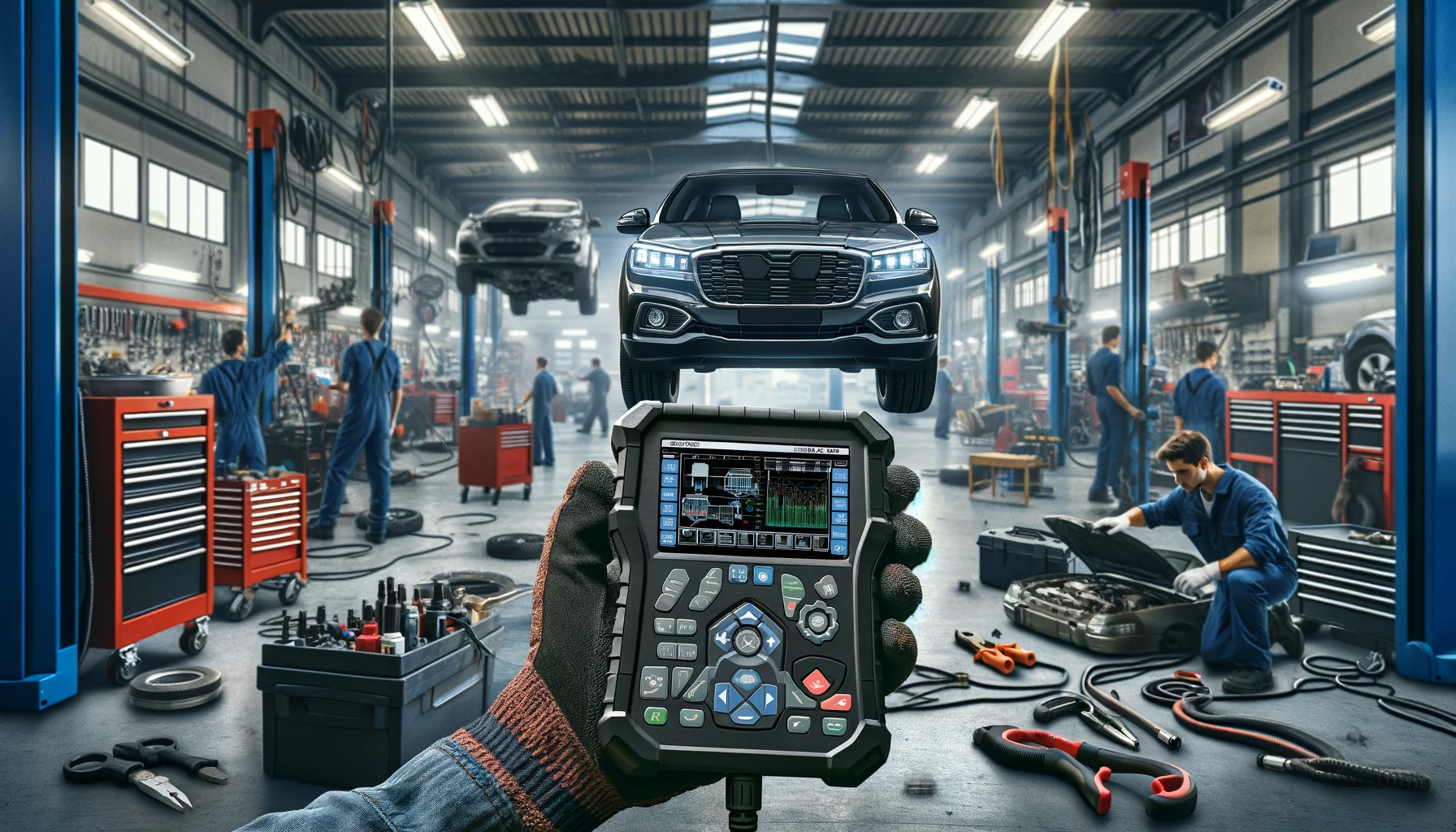
Professional scan tools live in repair shops, dealerships, and service centers, where techs use them to chase down tricky problems. These users know vehicle systems inside and out.
There are also simpler scan tools built for car enthusiasts and DIYers who want to handle basic diagnostics and upkeep at home.
OBD
OBD is something both techs and drivers rely on. When your check engine light comes on, the OBD system has spotted a fault. Grab a basic code reader, which is the simplest kind of scan tool, and you can pull the trouble code to get a rough idea of what’s going on. If you want an affordable starting point, take a look at our ANCEL AD310 scanner review, which covers a simple plug-in reader that pulls trouble codes without any fuss.
From there, you can pass that code along to a technician for a closer look and the actual repair.
Functionality
Scan Tool
Scan tools do a lot. They read and clear trouble codes, show live data from sensors and modules, run component and system tests, reset service reminders, and on some models even reprogram parts of the car’s computer.
Higher-end scan tools add extras like data graphing, wireless connections, and access to systems specific to your car’s manufacturer. If you need the more advanced features like component tests and reprogramming, our TOPDON bidirectional scan tool review walks through a model built for that kind of deeper diagnostic work.
OBD
OBD works as the watchdog for performance and emissions. It reads data from sensors and components, checks for faults, and stores trouble codes for later. It also handles the link between your car’s computer and outside devices like scan tools, which is what makes diagnostics possible in the first place.
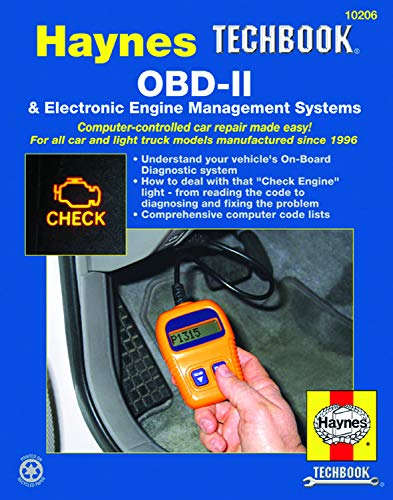
Compatibility
Scan Tool
Scan tools range from basic to advanced, and that affects which cars they’ll work with. Generic models cover most vehicles with an OBD port, while others are built for specific makes and models.
Whether a tool fits your car comes down to the communication protocols it supports and what your car’s computer expects.
OBD
OBD is standardized across modern vehicles thanks to rules like OBD-II. Any OBD-II compliant car should pair with any scan tool that supports the OBD-II protocol.
Keep in mind there are several versions of OBD, including OBD-I, OBD-II, and the upcoming OBD-III. They can use different communication protocols and connector types, so the version matters when matching a tool to a vehicle.
Connection
Scan Tool
You connect a scan tool through the OBD port, usually tucked under the dashboard near the driver’s side. A cable plugs into that port and links to the tool. Some scan tools skip the wire altogether and connect over Bluetooth or Wi-Fi for an easier hookup.
OBD
The OBD port is a standardized connector inside your vehicle’s cabin, usually near the driver’s side. It’s the physical link that lets the car’s onboard computer talk to outside devices like scan tools. The current standard is the OBD-II connector, a 16-pin plug with a set pin layout that works across vehicles.
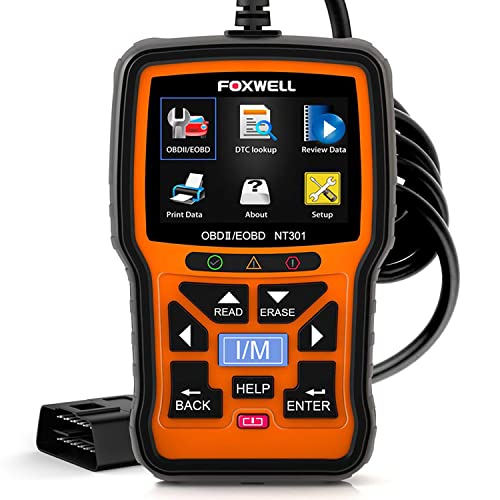
Data Reading
Scan Tool
A scan tool pulls a lot of data from the car’s computer. You can see engine RPM, vehicle speed, fuel system status, coolant temperature, oxygen sensor readings, and plenty of other sensor info. It also shows freeze frame data, which is a snapshot of those readings at the exact moment a fault happened, making it much easier to track down the cause.
OBD
OBD keeps an eye on sensors and components throughout the vehicle and records problems as diagnostic trouble codes (DTCs). A scan tool reads these codes and translates them into something you can understand about the fault your vehicle has.
The data the OBD system gathers helps you spot problems, keep tabs on how the vehicle is running, and stay within emissions standards.
Diagnostic Capabilities
Scan Tool
Scan tools do a lot more than just read codes. They can clear DTCs, show live sensor data, run system checks, test individual components, reset service indicators, and on higher-end models handle programming and adaptation.
Better scan tools walk you through guided diagnostics, giving step-by-step instructions for tracking down specific problems.
OBD
OBD doesn’t run diagnostics on its own. It gives scan tools and other devices access to the data the onboard computer collects, acting as the doorway for pulling trouble codes and related information.
OBD keeps the process standardized, so vehicles and diagnostic tools talk to each other the same way and stay compatible.

Diagnostic Codes
Scan Tool
Scan tools pull up and display the diagnostic trouble codes (DTCs) stored in the car’s computer. DTCs are short letter-and-number codes that point to a specific fault, anything from a simple sensor going bad to a major system failure. Reading and decoding them helps you zero in on the real cause and fix it.
OBD
OBD watches the vehicle’s systems and components and creates a trouble code the moment it catches a fault.
Those codes sit in the car’s computer until you read them with a scan tool or code reader. They give you a starting point for diagnosis and tell you exactly which problem needs your attention.
Conclusion
A scan tool and OBD work hand in hand in automotive diagnostics. OBD is the onboard system that monitors and reports problems, while the scan tool is the device that lets you read and act on what OBD finds.
Scan tools bring the advanced diagnostics, read and decode trouble codes, and pack in a range of extra functions. OBD keeps everything standardized and compatible, so troubleshooting goes quickly and cleanly.
Knowing how scan tools and OBD differ gives you a clearer picture of the tools that keep your vehicle running right.
Related posts:
 What Is The Best Scan Tool For Automotive?
 What Is The Best Scan Tool For DIY Mechanic?
 What Does A Full Car Diagnostic Include?
 What Is A Car Diagnostic Tool Called?
 BlueDriver Scan Tool Review
 TOPDON Bidirectional Scan Tool Review
 What Is The Best Socket Set For A Professional Mechanic?
 HUMZOR OBD2 Scanner Diagnostic Tool Review